
Broom Riding AI Video Generator
Upload one photo and get a short video of you flying through the night on a witch’s broom. Made for the broom POV and “My Ride Is Here” Halloween trend.
1. Upload a portrait photo
2. Pick a sky (optional)
3. Your broom riding video
Broom riding video examples
Pick one of four skies. Illustrations show the scene; your video uses your own photo.
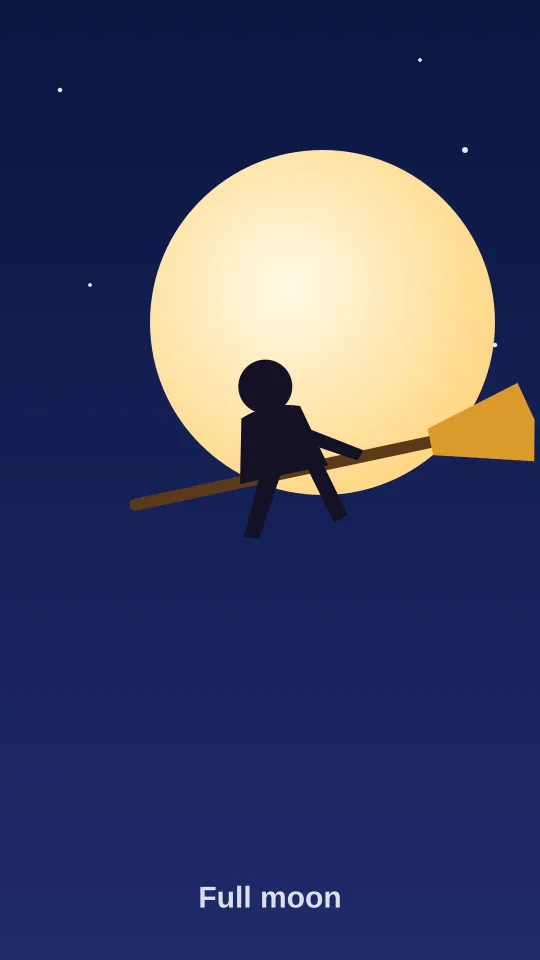
Full moon broom ride
A rider lifts off on a wooden broom and glides across a giant glowing full moon.
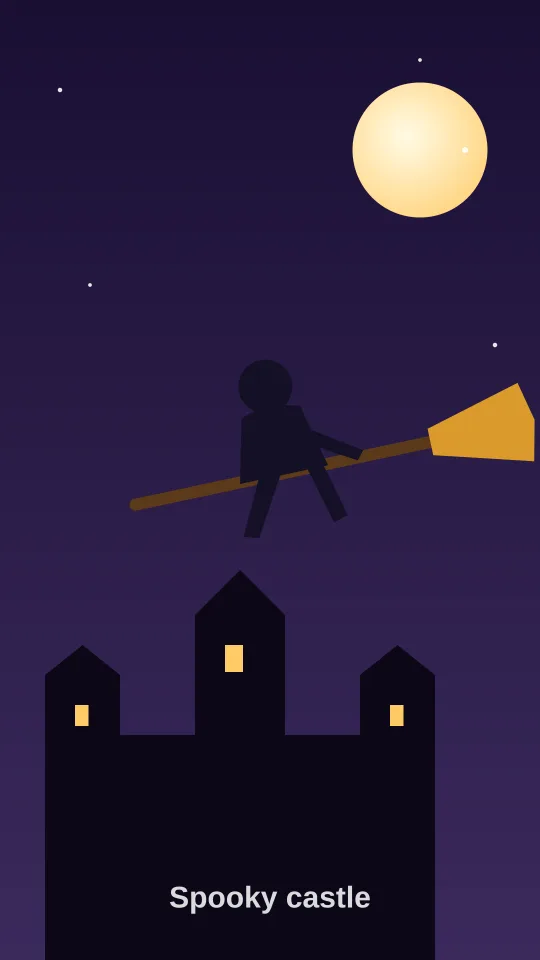
Spooky castle fly-by
A broom POV flight over a misty gothic castle with glowing windows and bats.
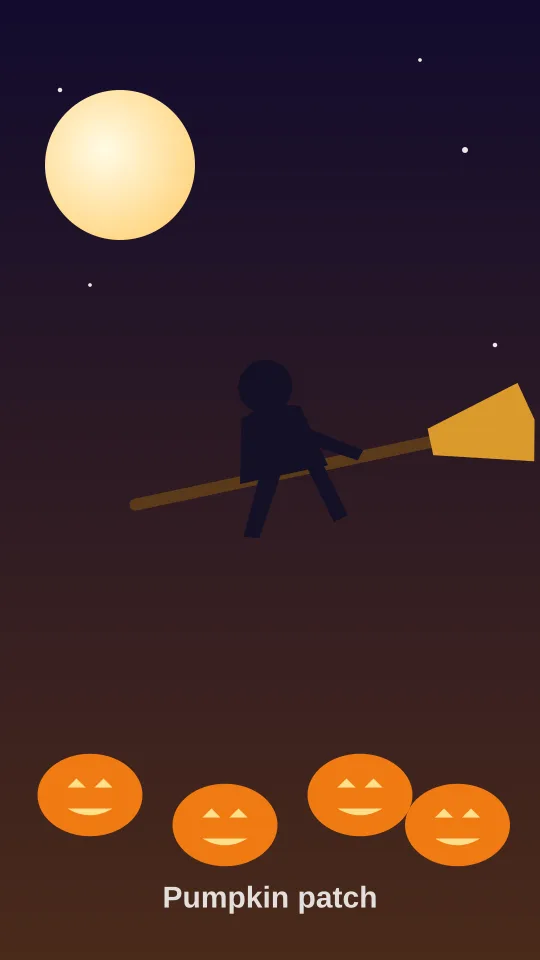
Pumpkin patch flight
Flying low over a moonlit pumpkin patch full of glowing jack-o-lanterns.
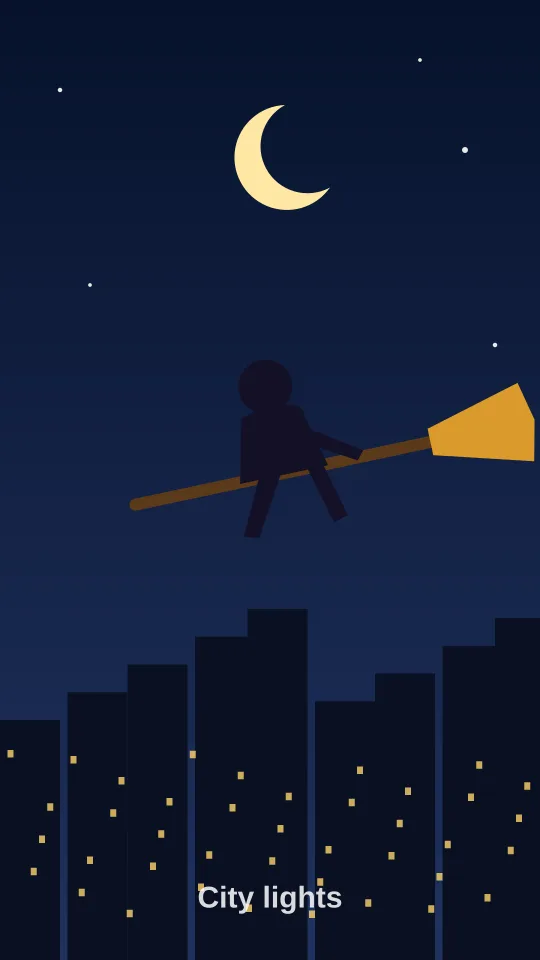
City lights broom POV
Soaring above a sparkling city skyline at night under a crescent moon.
Updated Oct 2026
What is the broom riding trend?
The broom riding trend is a Halloween short-video format where someone appears to take off and fly through the night sky on a witch’s broom. It is shared as a vertical clip, usually labeled “broom POV” or paired with the line “My Ride Is Here.” Our broom riding AI video generator creates that clip from a single photo, so you don’t need a green screen or editing app.
How to make a broom riding video in 3 steps
- Upload a portrait photo. One person, face clearly visible, good light.
- Pick a sky. Full moon, spooky castle, pumpkin patch or city lights.
- Generate and download. In about 1–3 minutes you get an MP4 ready to post.
Want the full posting walkthrough? Read how to do the broom riding trend on TikTok.
Broom riding vs broom POV vs “My Ride Is Here”
| Name | What it means | Typical clip |
|---|---|---|
| Broom riding | The action: you fly on a witch’s broom | Take-off and flight across a night sky |
| Broom POV | The camera angle: it flies right next to you | Close follow shot, wind in your hair |
| “My Ride Is Here” | The caption/audio joke: the broom is your ride | Broom arrives, you hop on and leave |
More on each: broom POV AI video and the “My Ride Is Here” broom trend.
Tips for the best result
- Use a front-facing photo where your whole face is visible.
- Bright, even light works better than dark or backlit shots.
- One person per photo. Group photos confuse the animation.
- Half-body or full-body photos give the most natural riding pose.
- Skip heavy beauty filters, sunglasses and hats that hide your face.
- Only upload photos of yourself or people who said yes.
Broom riding FAQ
What is the broom riding trend?
The broom riding trend is a Halloween-season short-video format where a person appears to fly through the night sky on a witch’s broom. Creators usually post it as a vertical clip, often captioned as a broom POV or with the "My Ride Is Here" line.
How do I make a broom riding video from a photo?
Upload one clear portrait photo, pick a sky style such as full moon or spooky castle, and press Generate. The AI animates you riding a broom and returns a short MP4 you can download.
Is the broom riding AI generator free?
Creating an account is free, but each video uses credits: a standard video costs 10 credits and HD costs 20. Credit packs start at $4.99, with no subscription required.
What is the difference between broom riding and broom POV?
They describe the same trend. "Broom riding" names the action, while "broom POV" refers to the point-of-view framing, as if the camera is flying next to you on the broom.
What does "My Ride Is Here" mean on TikTok?
It is a caption and audio line people pair with broom clips: the broom shows up as your "ride," like a car arriving to pick you up, and then you fly off. It is a playful Halloween joke rather than a specific product or challenge.
What kind of photo works best?
A front-facing photo of one person with the face clearly visible, good even lighting and a simple background. Avoid group shots, heavy filters, sunglasses or very small faces.
How long does it take to generate?
Most videos are ready in about 1 to 3 minutes. During busy hours around Halloween it can take a little longer; keep the tab open and the video will appear automatically.
Can I post the video on TikTok or Instagram Reels?
Yes. Videos come out in a vertical-friendly format that follows your photo’s shape, so you can download the MP4 and post it anywhere. Only upload photos of yourself or of people who agreed to it.
Do you keep my photos?
Uploaded photos are stored in temporary storage that is automatically deleted within 24 hours, and we never use them to train AI models. Generated videos stay downloadable for up to 14 days, then they are removed.
Make your broom riding video now
🧹 Upload a photo